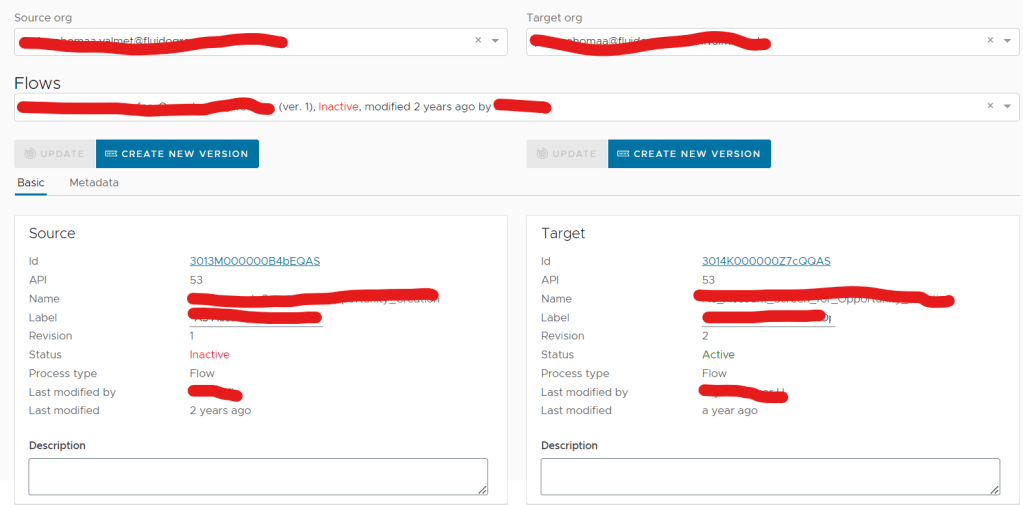
Compare the same flow between orgs
If multiple versions of the flow exist in the target org select the version you want to compare in the popup
Inactive flows are flows that have once been activated. Draft versions have never been activated.
Flow basic data
Only Description and label can be edited for Active and Inactive flows.
Flow metadata
Flow metadata can be edited in the editor directly. If you want to edit the flow metadata for an Active or Inactive flow, please create a new flow version. The status of the flow will be Draft.

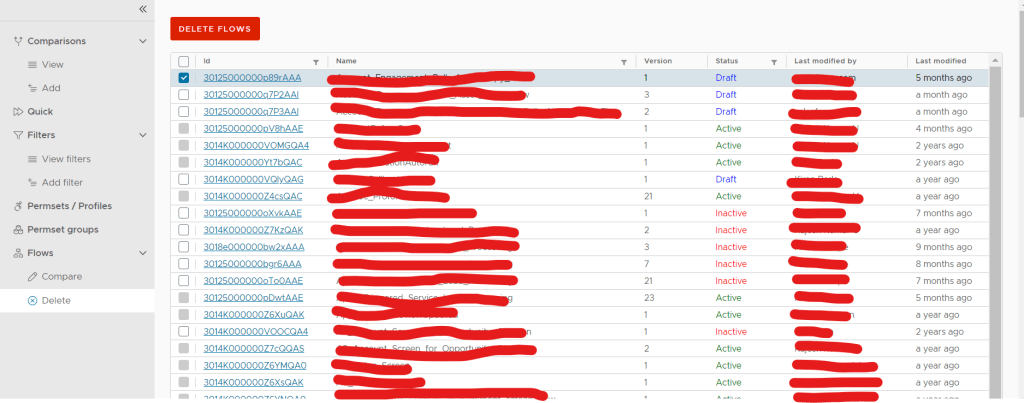
Delete flows
Select Flows you want to delete and click Delete. Active flows can not be deleted only Inactive and Draft flows. Delete will also delete all flow interviews associated with the flow version